Prism · Widgets
Your day on your home screen.
Prism’s widgets show your day’s colour, your week and a line for the day, without opening the app. On Android at launch.
Free · More with Gold
What you get
-
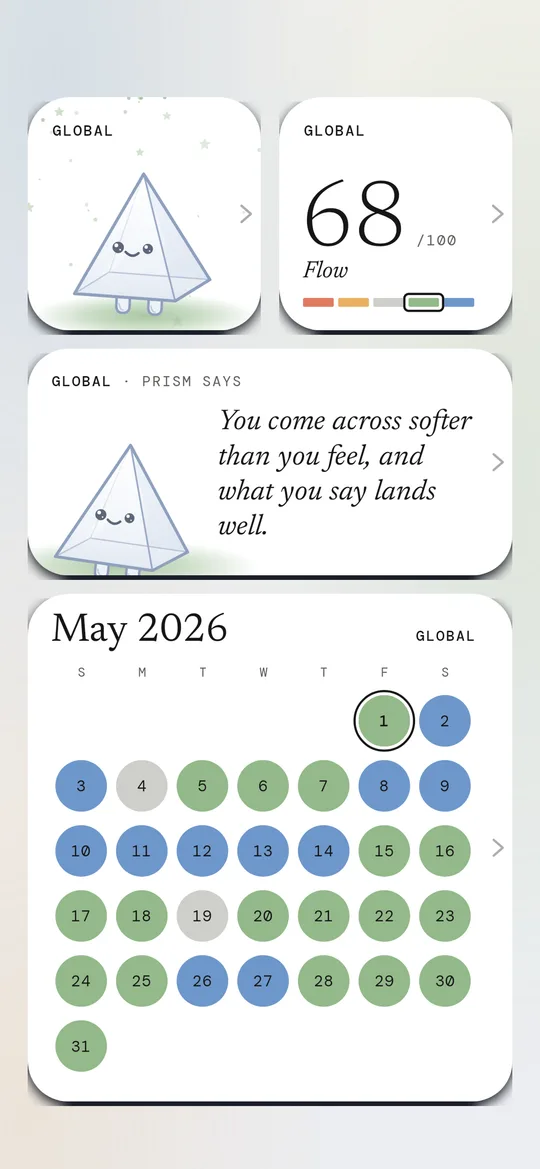
Today at a glance
Small widgets show today’s colour and score, or the day in one sentence.
Example: Flow · 71
-
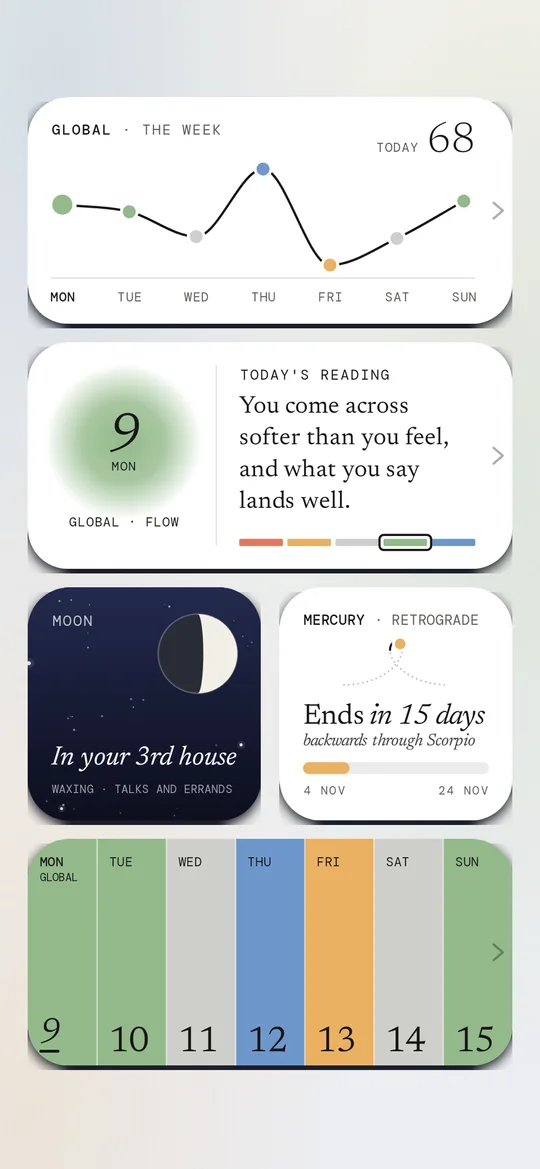
The week ahead
Wide widgets show seven days in their colours, or today and tomorrow side by side.
Example: Week ahead · Today & tomorrow
-
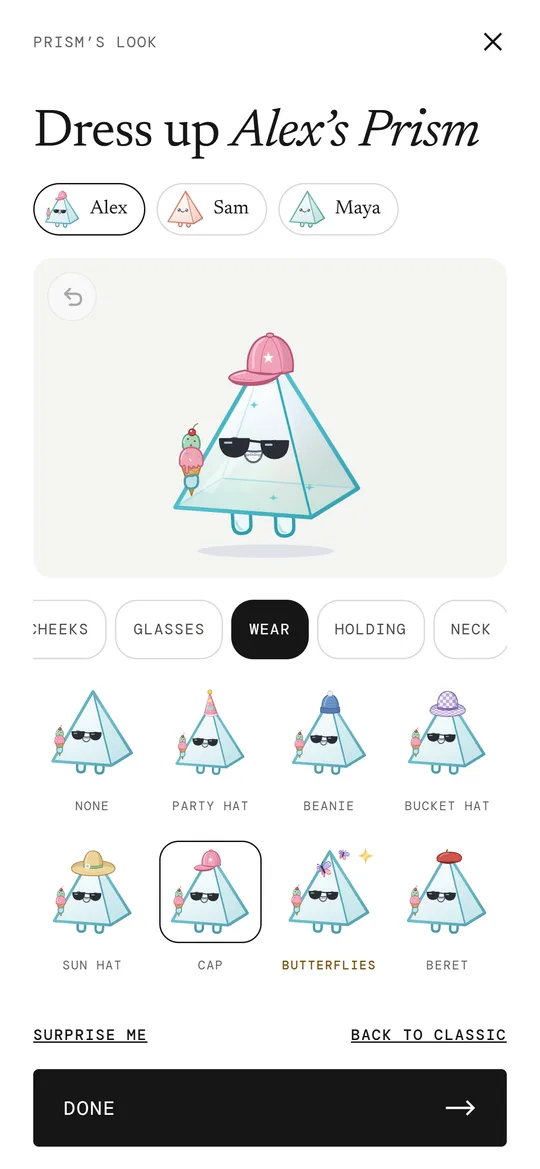
Your Prism on it
The Prism on your widget wears the colour and the pieces you chose in the app.
Example: Teal, flower crown, round glasses
Prism Gold: Every widget: 20 more, with your photo, Plan and your people. Free and Gold, side by side →
How it works
- 01
Pick a widget
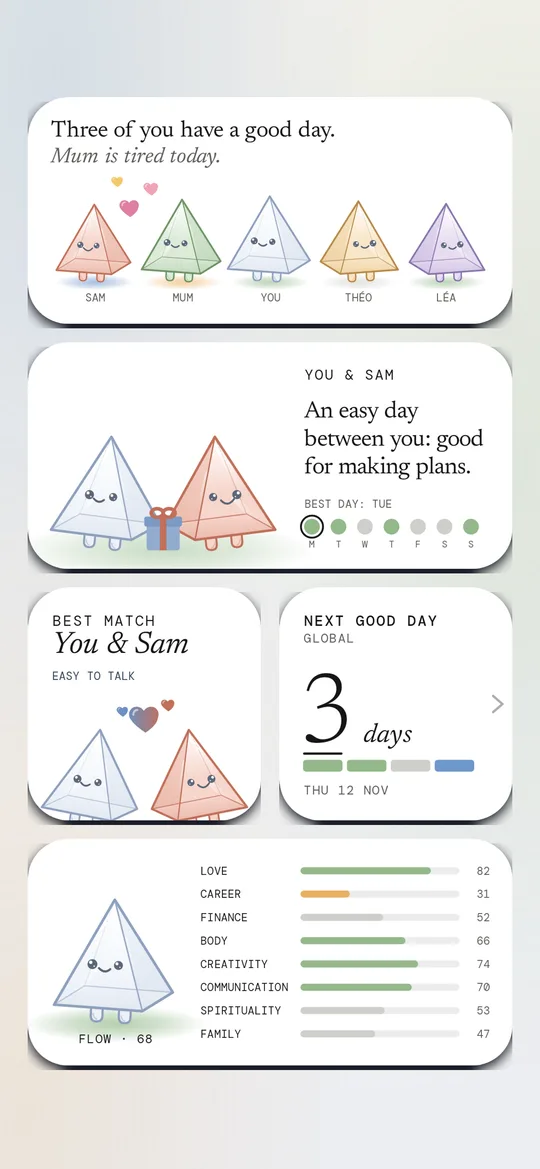
Open Widgets in the app and choose one: today, the week, the month, your people.
- 02
Set it up
Choose an area of life, or let it step through love, career, money and body.
- 03
It stays fresh
It updates twice a day and at midnight, so the morning widget already shows the new day.
Questions
Are there widgets on iPhone?
Not yet. Widgets are on Android at launch. iPhone widgets come in a later version.
Which widgets are free?
13 widgets are free, from today’s score to the week and the month. Prism Gold adds 20 more, such as your photo in today’s colour, the next good day, Plan and your people.
On the site: The five colours · Prism Gold
More in Prism
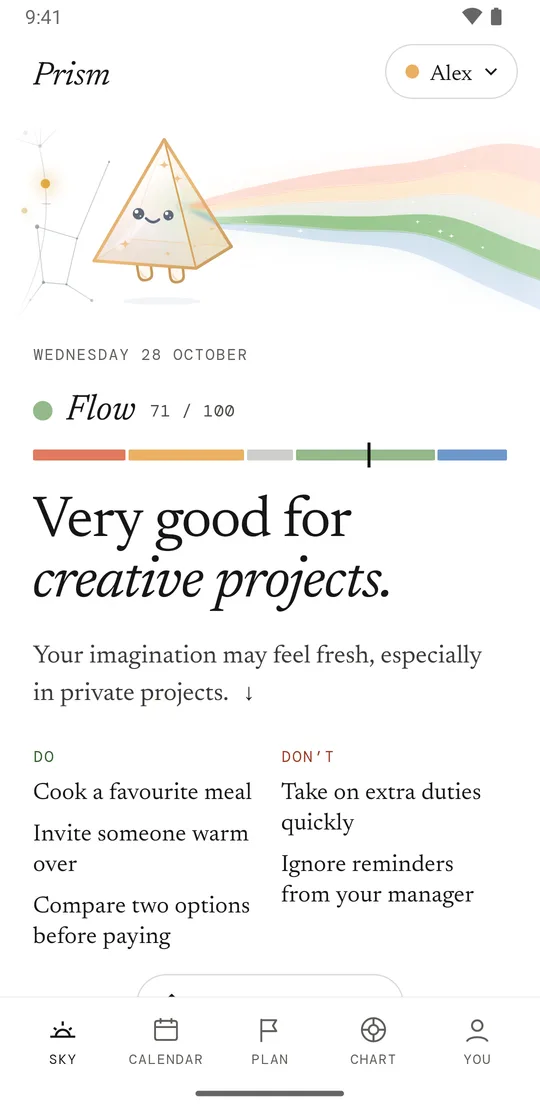
- Daily reading A colour and a score for your day, with the planets behind it.
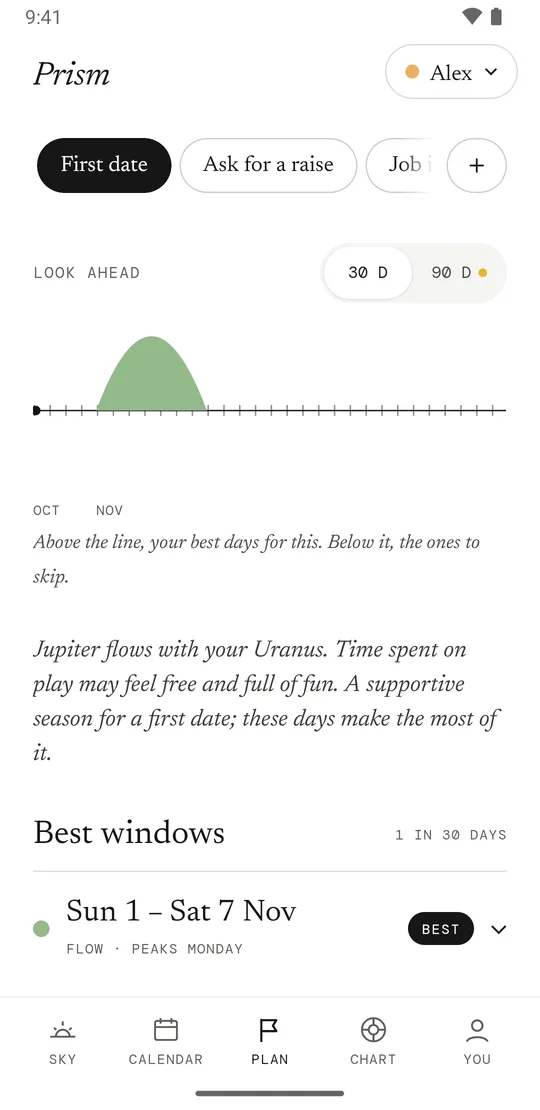
- Plan Pick a goal, like a first date or a haircut. Get your best dates.
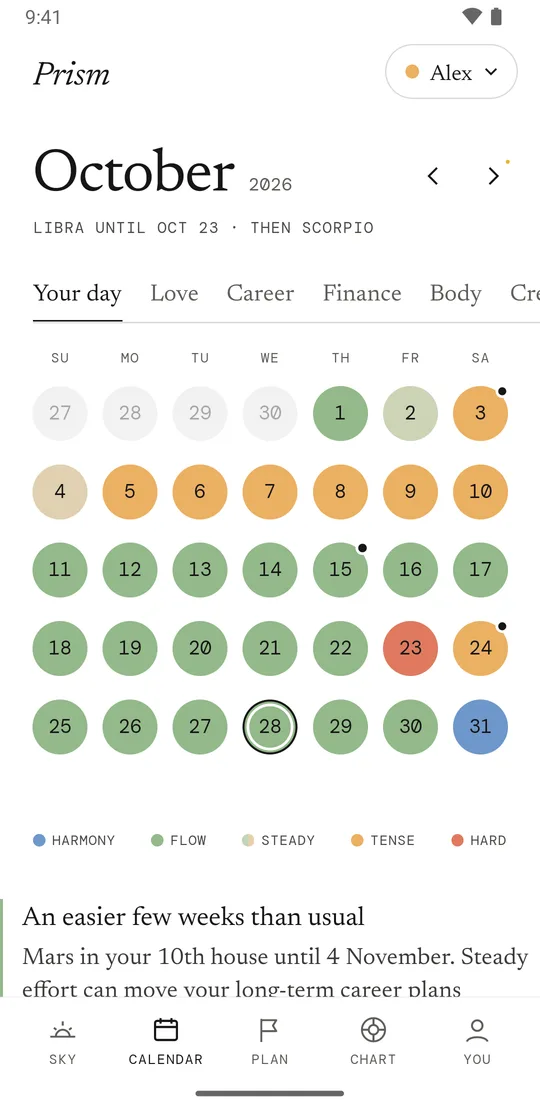
- Graded calendar Your month in five colours, so you see the hard days early.
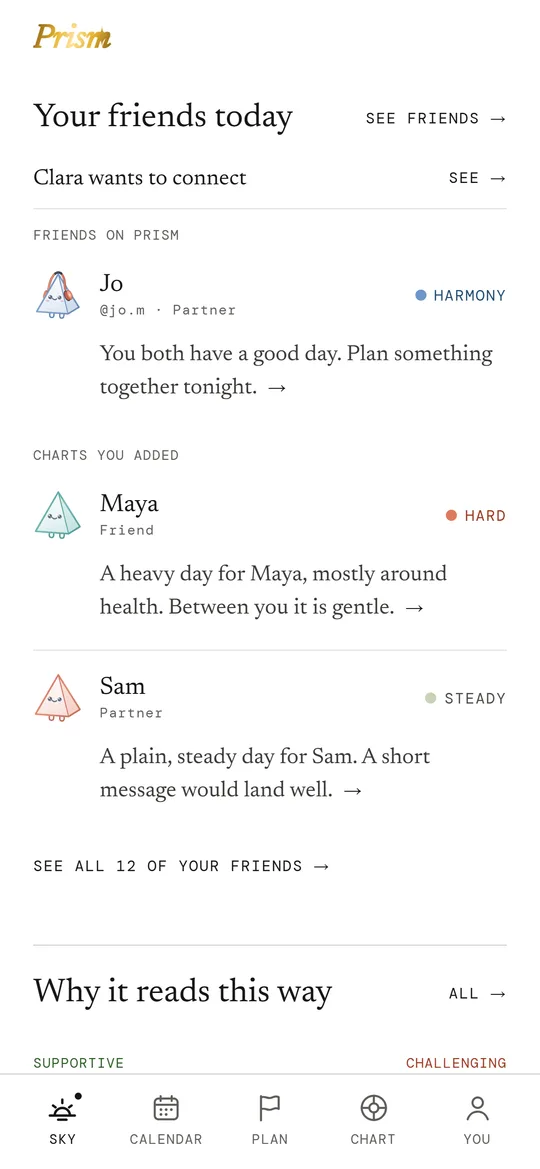
- Friends Add friends by username and see their day next to yours.
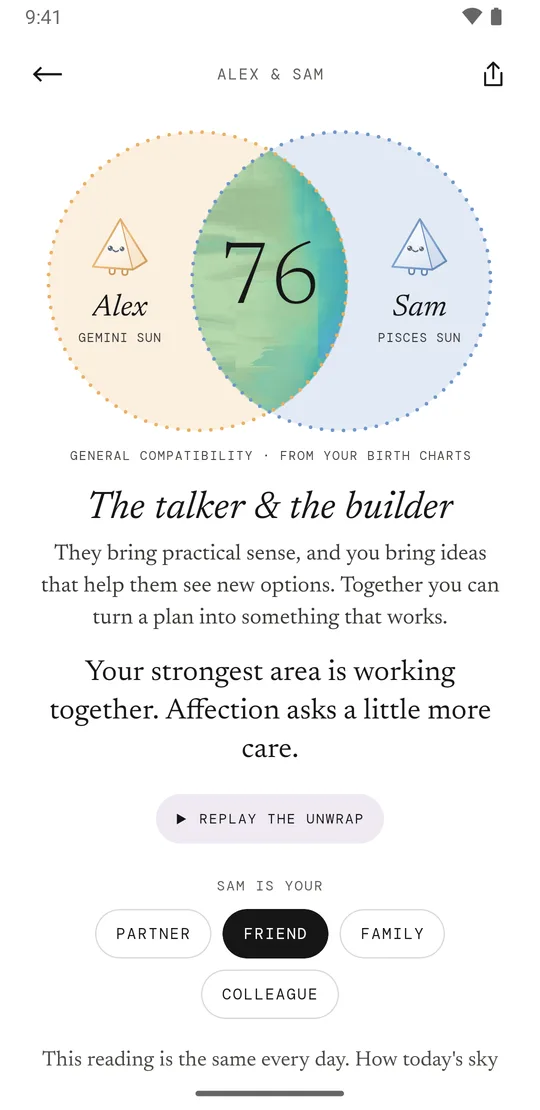
- Compatibility Two whole charts compared: a score, four areas, and why.
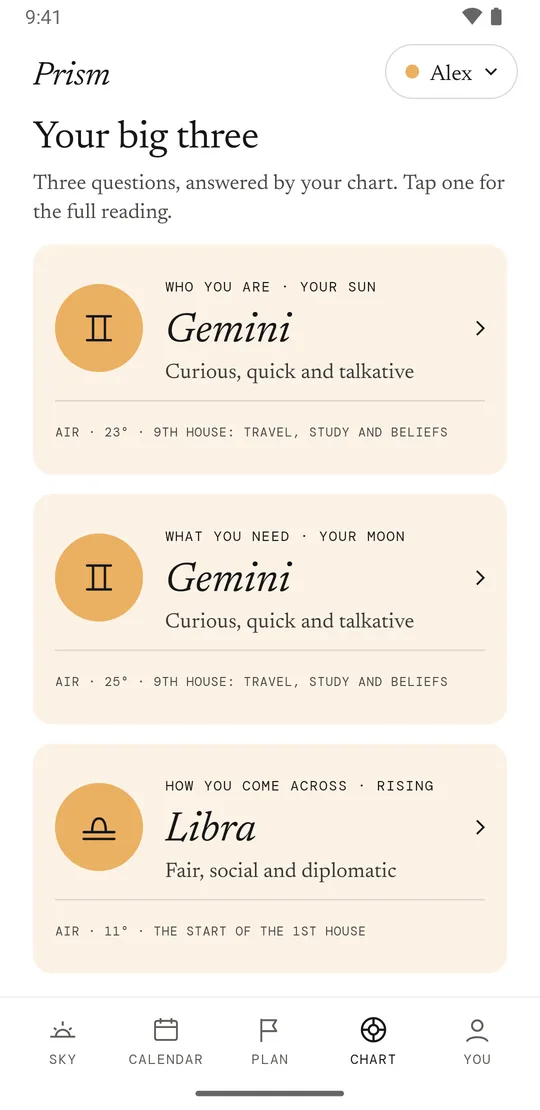
- Birth chart Your Sun, Moon and rising sign explained, and your houses today.
- Your Prism Dress the glass Prism of each chart: colour, hat, glasses, emoji.